
Appearance
Coupons & promotions
▶ Watch — a quick walkthrough of coupons & promotions
Run offers two ways: a coupon the customer enters, or an automatic promotion that applies on its own. Both work at POS and on your online store.
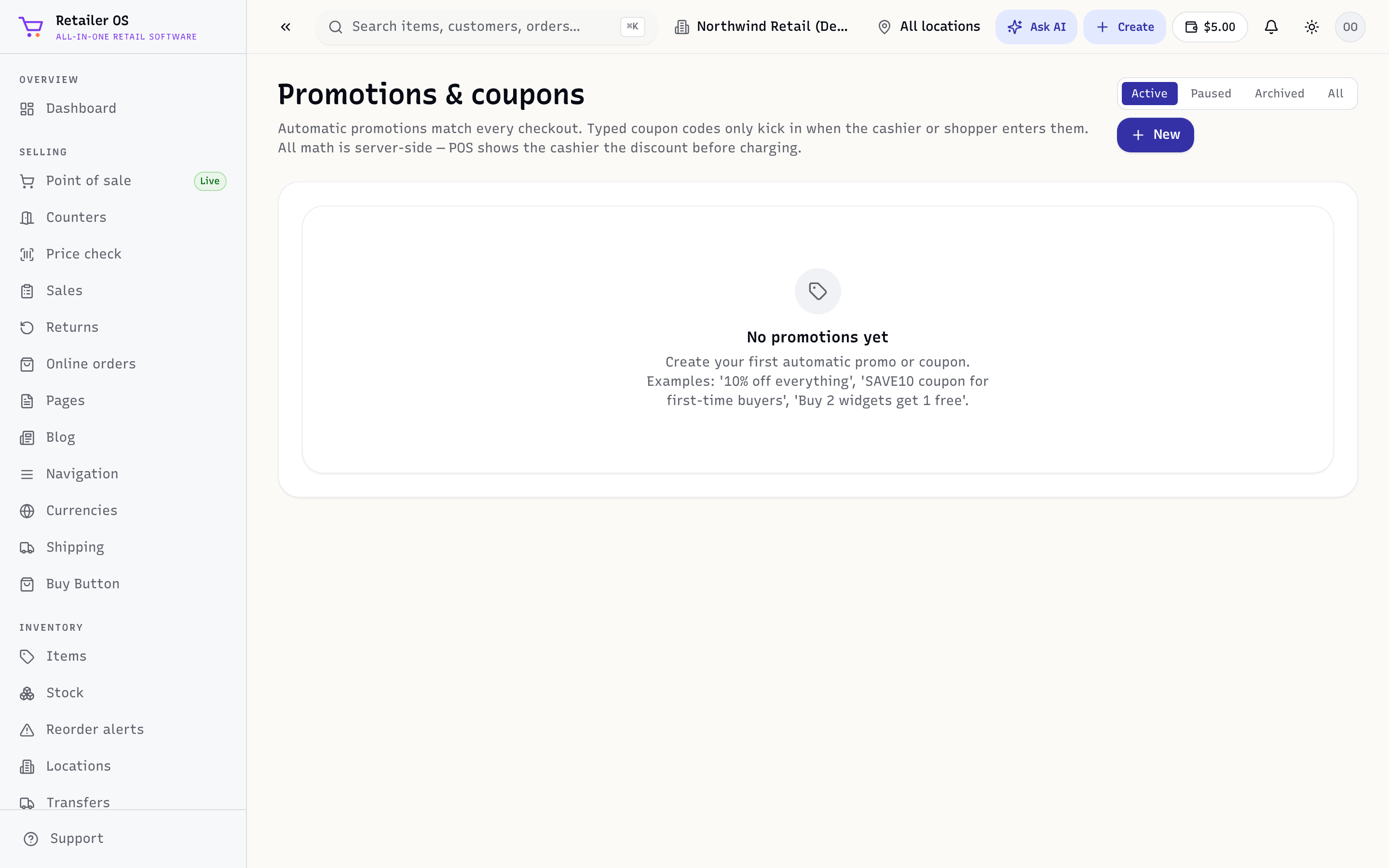
Create a coupon
- Open Coupons & promos and choose New.
- Set the code the customer will type.
- Choose the discount — a percentage or a fixed amount.
- Set any limits — start/end dates, usage caps, or which items it applies to.
- Save. Customers enter the code at checkout to redeem it.
Automatic promotions
An automatic promotion applies whenever its conditions are met — no code needed. For example, a percentage off a category, or a buy-X-get-Y deal. Define the trigger and the reward, and it runs in POS and online automatically.
Where discounts show up
Discounts appear on the cart and receipt, and their impact is visible in Reports so you can see what an offer actually did.
TIP
Give each coupon a memorable code and an end date. Time-boxed offers create urgency and are easy to measure.