
Appearance
Repair shop
▶ Watch — a quick walkthrough of repair shop
The Repair shop (/repair) manages repair tickets (work orders) end to end — intake to collection. It's ideal for auto, bike, electronics, and general repair businesses.
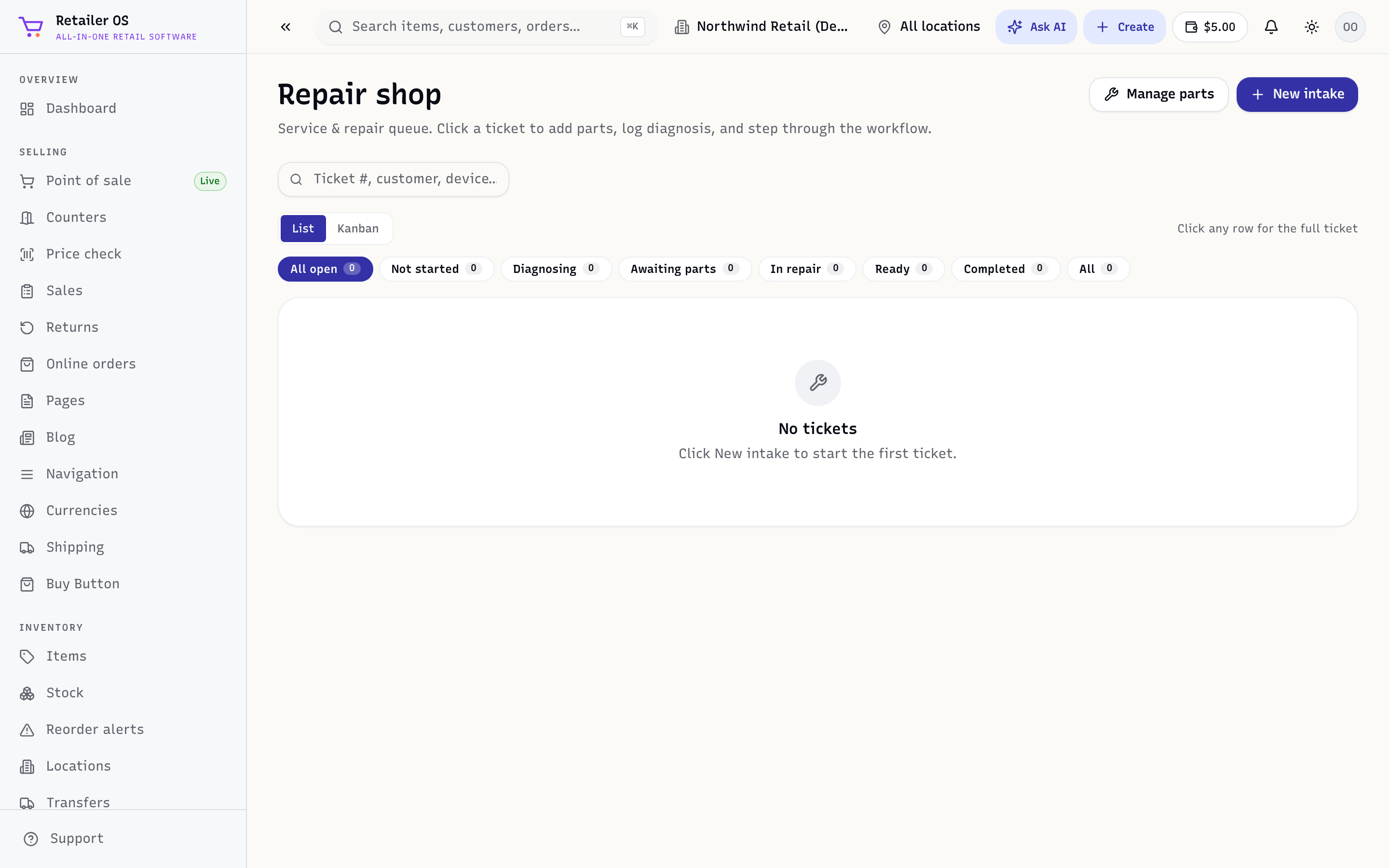
Take in a repair
- Open Repair shop and create a ticket.
- Record the customer and the item being repaired (and, for vehicles, the details/history).
- Note the reported issue and any intake condition.
Work the ticket
- Move it through statuses (e.g. received → in progress → ready).
- Add parts (which pull from your inventory) and labour.
- The running total builds as you add lines.
Collect
When the repair is done, collect payment and hand it over — print the ticket/receipt (/repair/:id/print, /repair/:id/collect). The sale flows into Sales & Orders like any other.
TIP
Adding parts from inventory keeps your stock accurate — a part used on a repair is a part off the shelf.