
Appearance
Sales history
▶ Watch — a quick walkthrough of sales history
The Sales screen (/sales) is the single list of every completed sale — from the counter, your online store, and marketplaces.
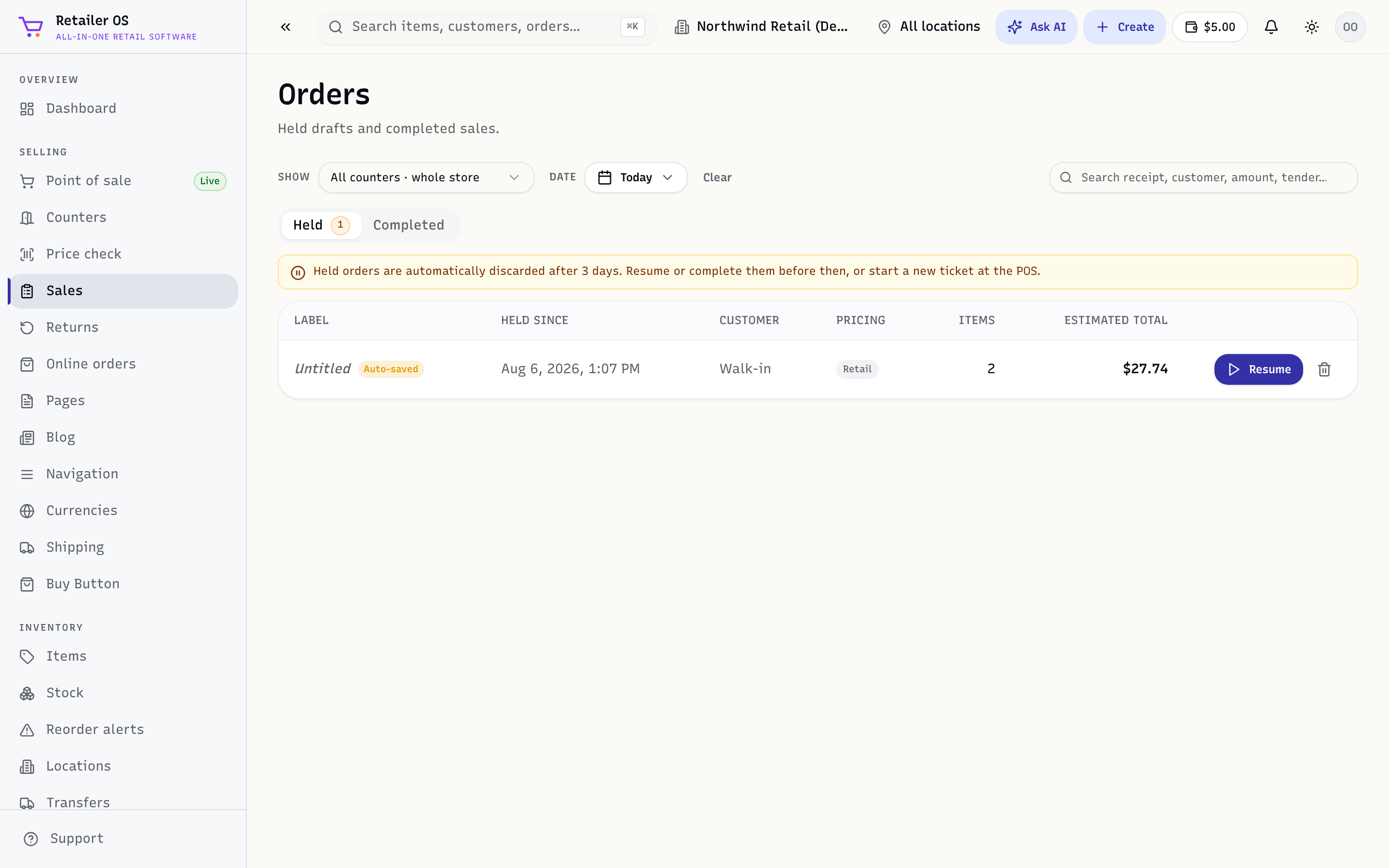
Find a sale
Search by receipt number, customer, or the card used. Filter by date range, location, and channel to narrow it down.
Open a sale
Click a sale to see its lines, tenders, the customer (if attached), and its status. From here you can:
- View / reprint / resend the receipt — print, email, or download a PDF (see Receipts).
- Start a return — see Returns & refunds.
Offline sales
Sales taken offline in the desktop app appear here once they sync; each keeps its own receipt in the meantime.
TIP
Because in-store, online, and marketplace sales all land in one list, month-end is one place — no stitching together separate systems.