
Appearance
Price check
▶ Watch — a quick walkthrough of price check
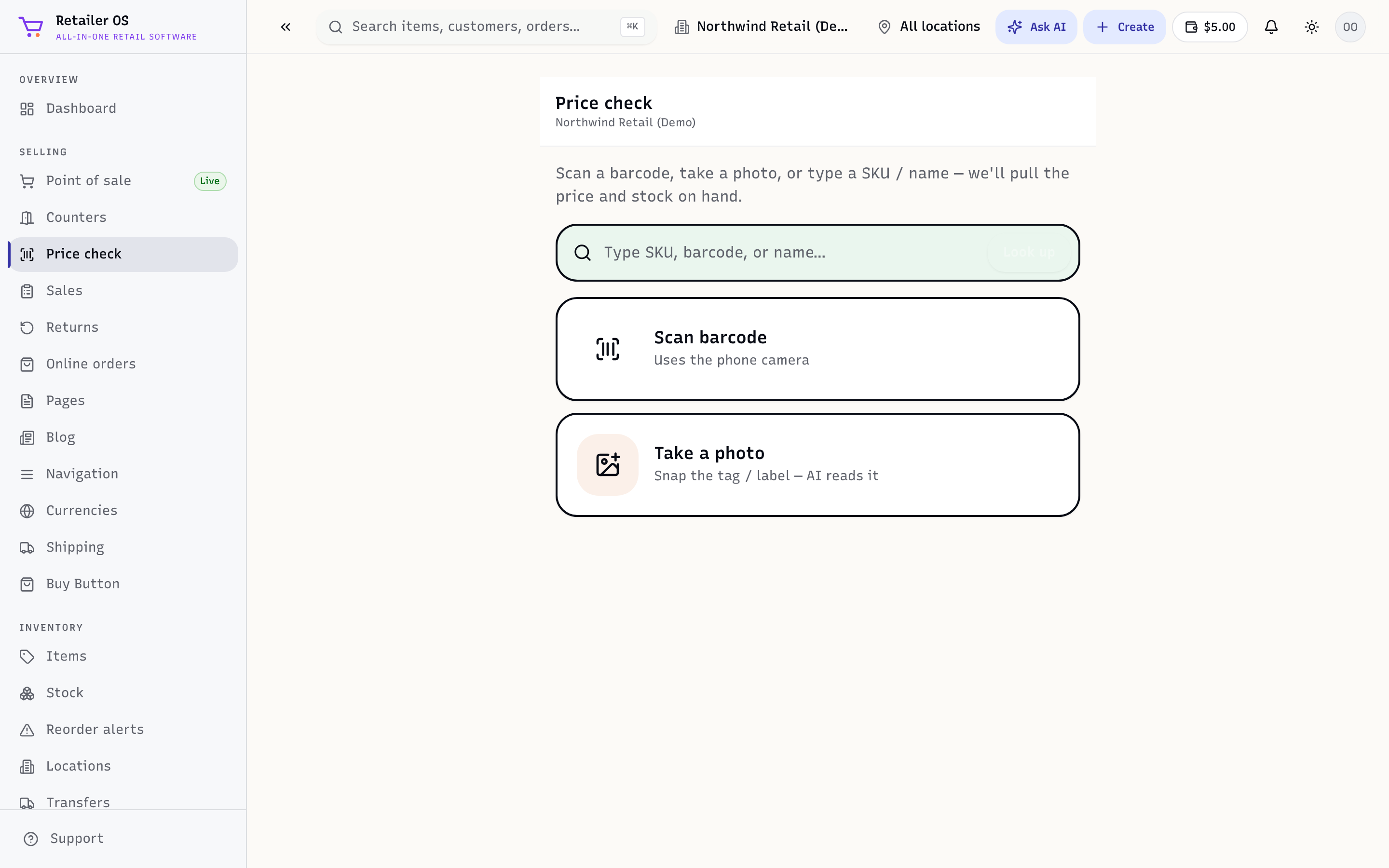
Price check answers "how much is this, and do we have it?" without starting a sale — handy for a customer question or a quick stock look-up on the floor.
Use it
- Open Price check from the sidebar.
- Scan a barcode or type a name/SKU.
- See the item's price, any active promotion, and stock on hand at the current location (and, where shown, other locations).
Nothing is added to a cart and no sale is created — it's read-only.
TIP
Price check is a great screen to leave open on a spare tablet on the shop floor so staff can answer questions without tying up a register.