
Appearance
Point of Sale
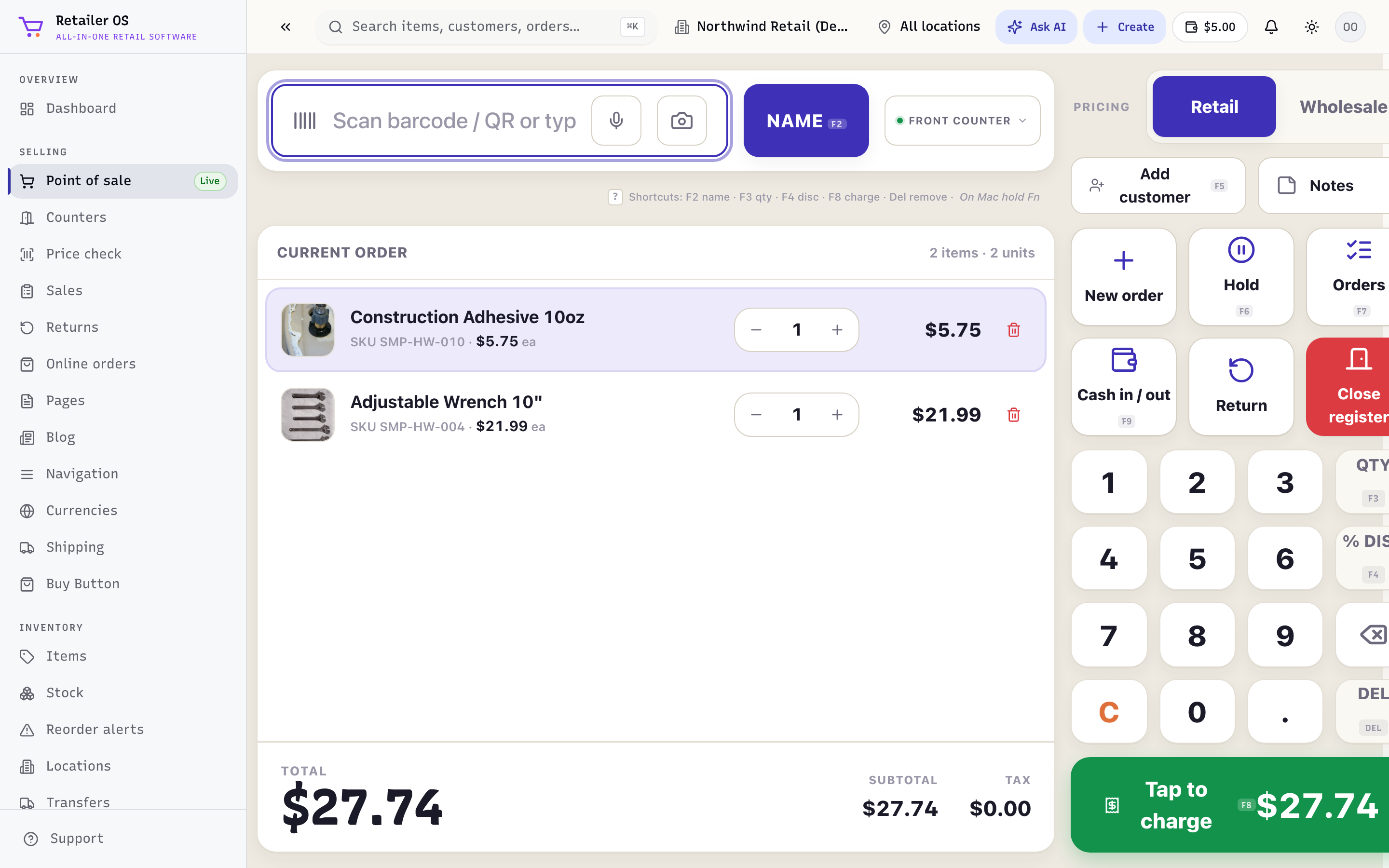
Point of Sale (POS) is where you sell at the counter. Open it from Point of sale in the sidebar — it carries a Live badge. It runs in any modern browser on a laptop, tablet, or dedicated register, and in the Retailer OS desktop app for Windows and macOS. Only the desktop app keeps selling when your internet drops; see Offline mode & sync.
Who uses it
Cashiers and counter staff run POS all day. Managers use the same screen plus Counters to open and close registers and reconcile cash.
What's in this module
| Screen | What it's for |
|---|---|
| Ringing up a sale | Build a cart, apply discounts, take payment, finish the sale. |
| Keyboard shortcuts | Ring sales from the keyboard with the F-key hotkeys. |
| Counters & registers | Open/close registers, cash float, end-of-day reconciliation. |
| Price check | Scan an item to see price and stock without starting a sale. |
| Returns & refunds | Take items back and refund to the original tender or store credit. |
| Offline mode & sync | Desktop app only: keep selling with no internet; saved sales sync when you reconnect. |
| Receipts | Print, email, or download receipts as a PDF, and reprint past ones. |
| Reference | Tender types, sale states, and permissions. |
| FAQ | Common questions. |
How it fits together
Every sale you take in POS immediately:
- Draws down inventory at the selected location (see Inventory).
- Appears in Sales & Orders next to your online and marketplace orders.
- Feeds Reports — today's sales, payment mix, and cashier performance.
- Attaches to a customer if you add one to the cart, updating their history, loyalty, and any store credit.
Before you start selling
- Add your catalog in Inventory → Items.
- Connect a card processor under Setup → Payments.
- Open a register on the Counters screen.
Then head to Ringing up a sale.