
Appearance
Inventory
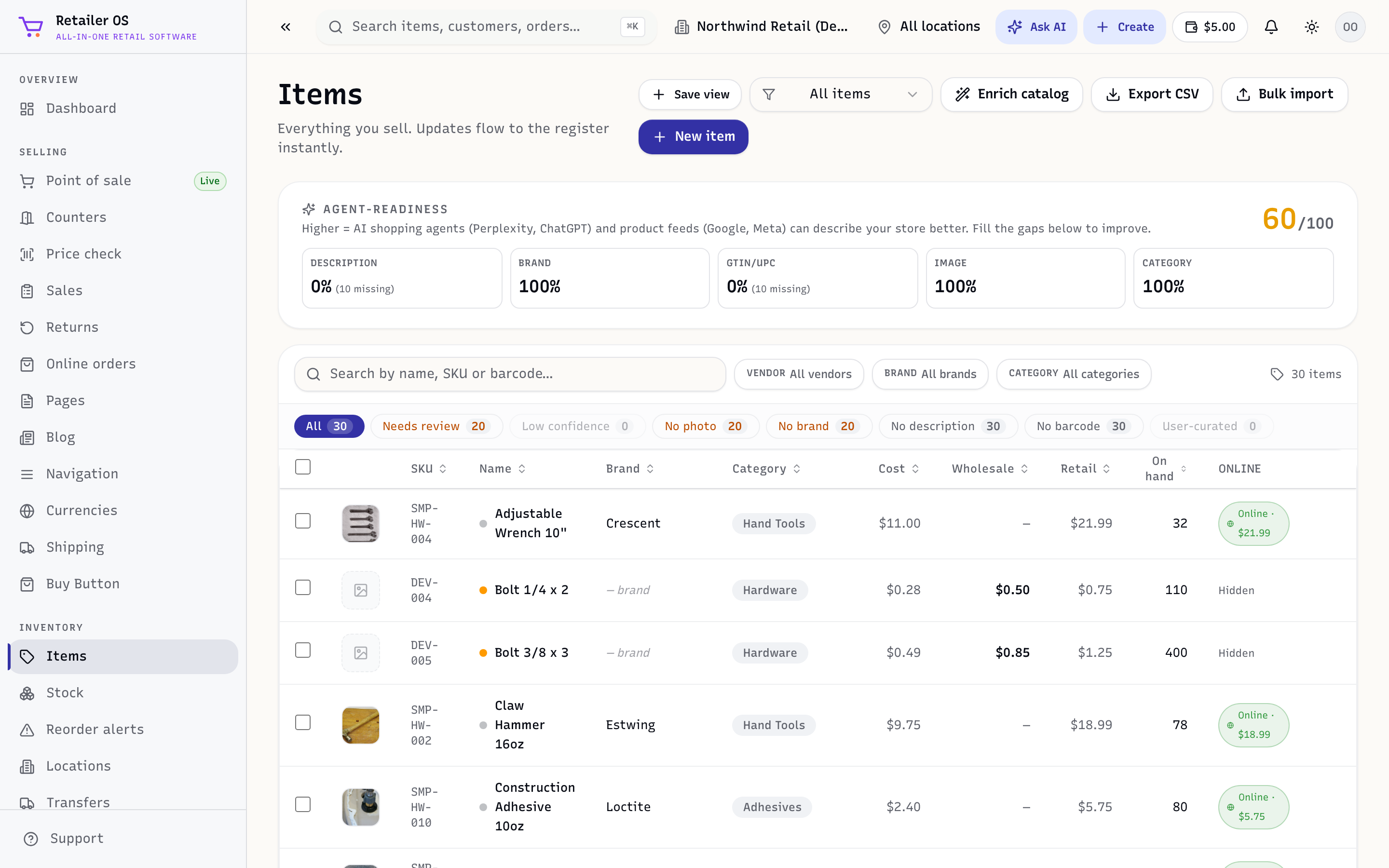
Inventory is the heart of Retailer OS: one live stock count shared by your counter, your online store, and your marketplaces. Sell a unit anywhere and every channel updates at once, so you don't oversell.
Open it from the Inventory group in the sidebar.
What's in this module
| Screen | What it's for |
|---|---|
Items (/inventory/items) | Your catalog — names, prices, costs, barcodes, and variants (size/colour). Mark items to sell online, in-store, or both. |
Quick add (/inventory/quick-add) | Add a product fast with your phone or tablet camera, or add a whole supplier invoice at once. See Quick add & add from invoice. |
Stock (/inventory/stock) | The live balance of every item at every location. |
Reorder alerts (/inventory/reorder-alerts) | Items at or below their reorder point, ready to turn into a purchase order. |
Pricing inbox (/inventory/pricing-inbox) | Suggested price changes to approve or reject. See Pricing inbox. |
Locations (/inventory/locations) | Your shops, warehouses, and stockrooms. Stock is tracked per location. |
Transfers (/inventory/transfers) | Move stock between locations with a paper trail. |
Purchase orders (/inventory/purchase-orders) | Order from vendors, then receive against the PO. |
Vendor receipts (/inventory/receipts) | Record what actually arrived and update stock. |
Stock counts (/inventory/counts) | Full or cycle counts that reconcile the system to the shelf. |
How stock moves
Every event adjusts the live balance at a location:
- A sale in POS or an online/marketplace order draws stock down.
- Receiving a purchase order brings stock in.
- A transfer moves stock between locations.
- A stock count corrects it to the physical shelf.
- A return puts restocked items back.
TIP
The number you sell against is the available balance at the selected location, not the total quantity ever received. Keep an eye on it per location in Stock.
Related
- Point of Sale · Sales & Orders · Reports (inventory valuation, dead stock)