
Appearance
Online orders & fulfilment
▶ Watch — a quick walkthrough of online orders & fulfilment
Online orders (/online-orders) is where orders from your online store land to be picked, packed, and fulfilled — right alongside your in-store sales.
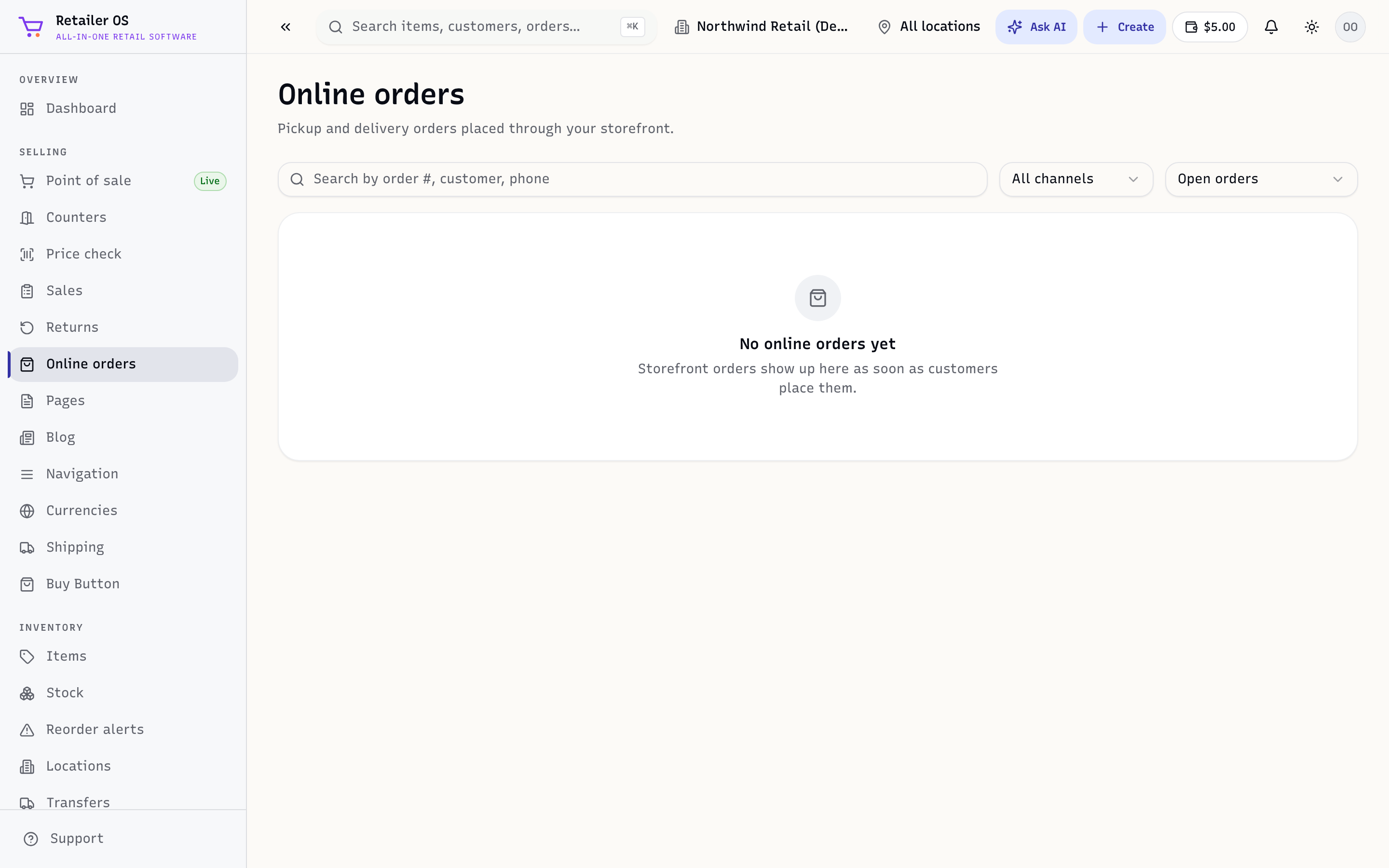
Work an order
- Open Online orders and pick an order that needs fulfilling.
- Pick and pack the items. Because inventory is shared, the stock was already reserved when the customer paid.
- Mark it fulfilled (shipped or ready for pickup).
- The customer is notified automatically.
Pickup vs delivery
- Buy online, pick up in store (BOPIS) orders show here as ready-for-pickup; hand them over and mark them collected.
- Delivery / shipping orders are packed and dispatched per your fulfilment settings.
Returns
Online orders are returned the same way as in-store sales — open the order and use Returns & refunds.
NOTE
Online orders require the online-store entitlement and a connected storefront. Marketplace orders (Amazon and eBay) also appear in your order stream — see Marketplaces.