
Appearance
Receivables & store credit
▶ Watch — a quick walkthrough of receivables & store credit
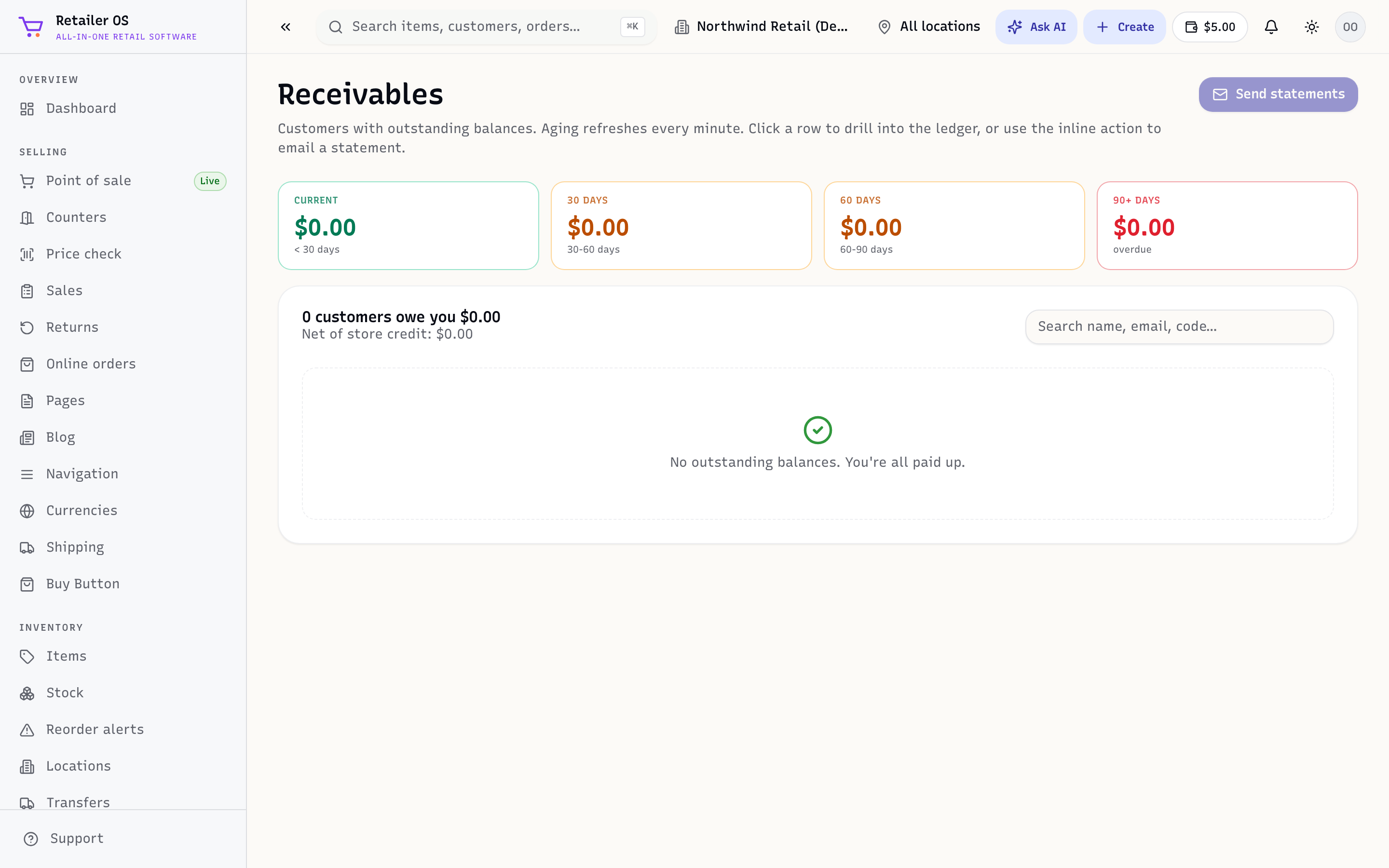
A customer's balance has two sides: store credit they can spend, and receivables they owe you. Both live on the customer profile; the Receivables screen (/crm/receivables) is the whole-store view of what's owed.
Store credit
Store credit is money the customer can spend with you — from a refund to credit, a gift, or an adjustment. It's available as a tender at checkout.
Buying on account (receivables)
If a customer has terms, they can pay On account at checkout instead of card or cash. That balance becomes a receivable:
- The Receivables screen lists who owes you and how overdue (aging).
- Send or print a statement from the customer profile.
- Record payments against the balance as they pay you.
Keeping on top of it
- The AR aging report in Reports breaks receivables down by how overdue they are.
- A customer's balance shows right on their profile and on POS when you add them to a sale.
WARNING
Only extend terms to customers you trust — receivables are money out the door until they pay. Use aging and statements to follow up early.
Related
- Customers · Reports (AR aging) · POS reference